Do a step or undo a change
When GrowViking or the Autopilot finds a change worth making, such as pausing an ad or moving budget, GrowViking makes it within your safety limits. Every change is listed under Changes and can be undone.
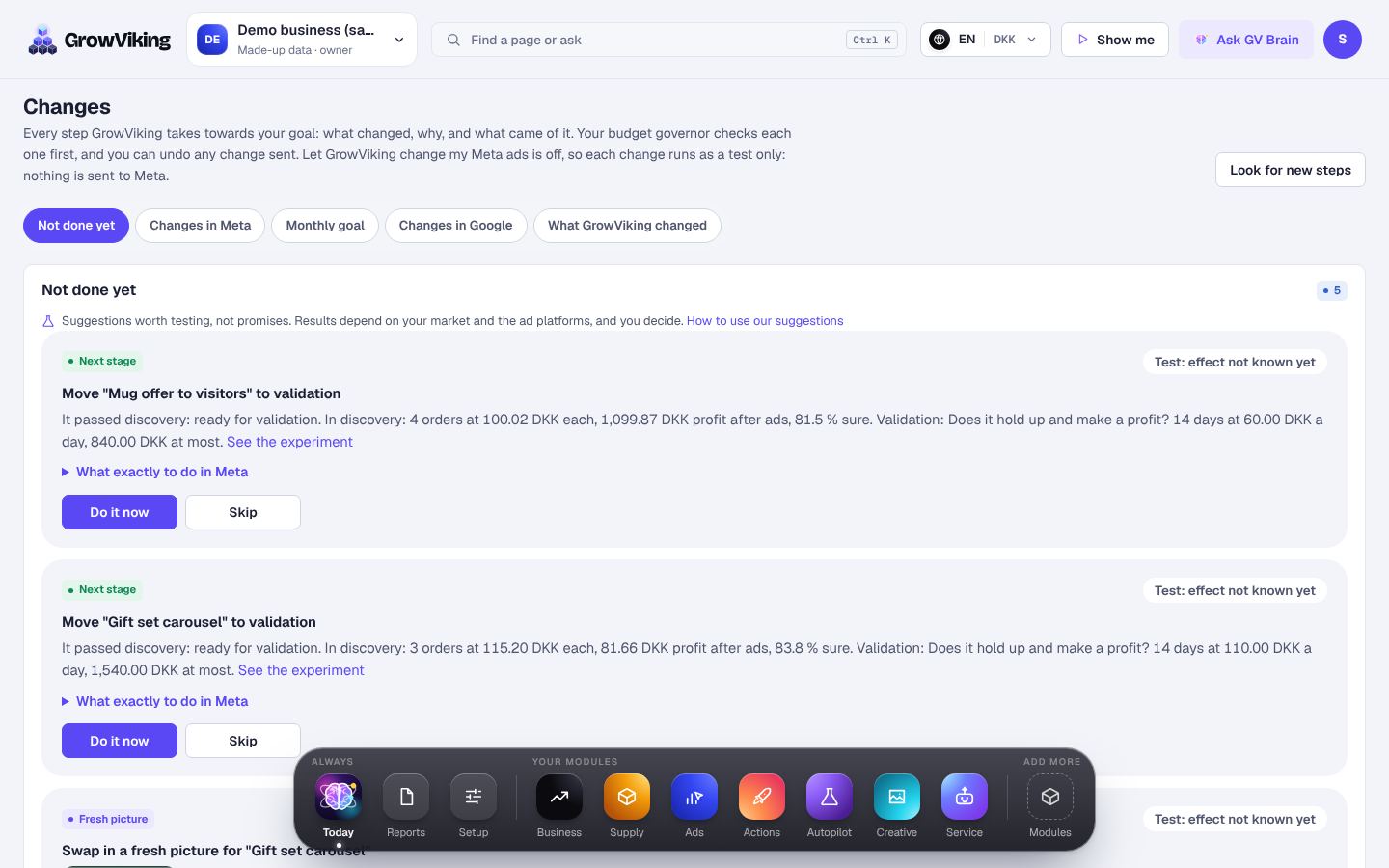
How to do it
- 1
Open Changes from Today or Ads. It lists every change GrowViking made, why, and what came of it.
- 2
Read what the step is, why it helps and roughly what it is worth.
- 3
Open the details to see every setting it changes.
- 4
Press Undo on a change to put it back as it was.
Your budget limits check every step again just before it is sent.