Where your Meta ads are: the four steps
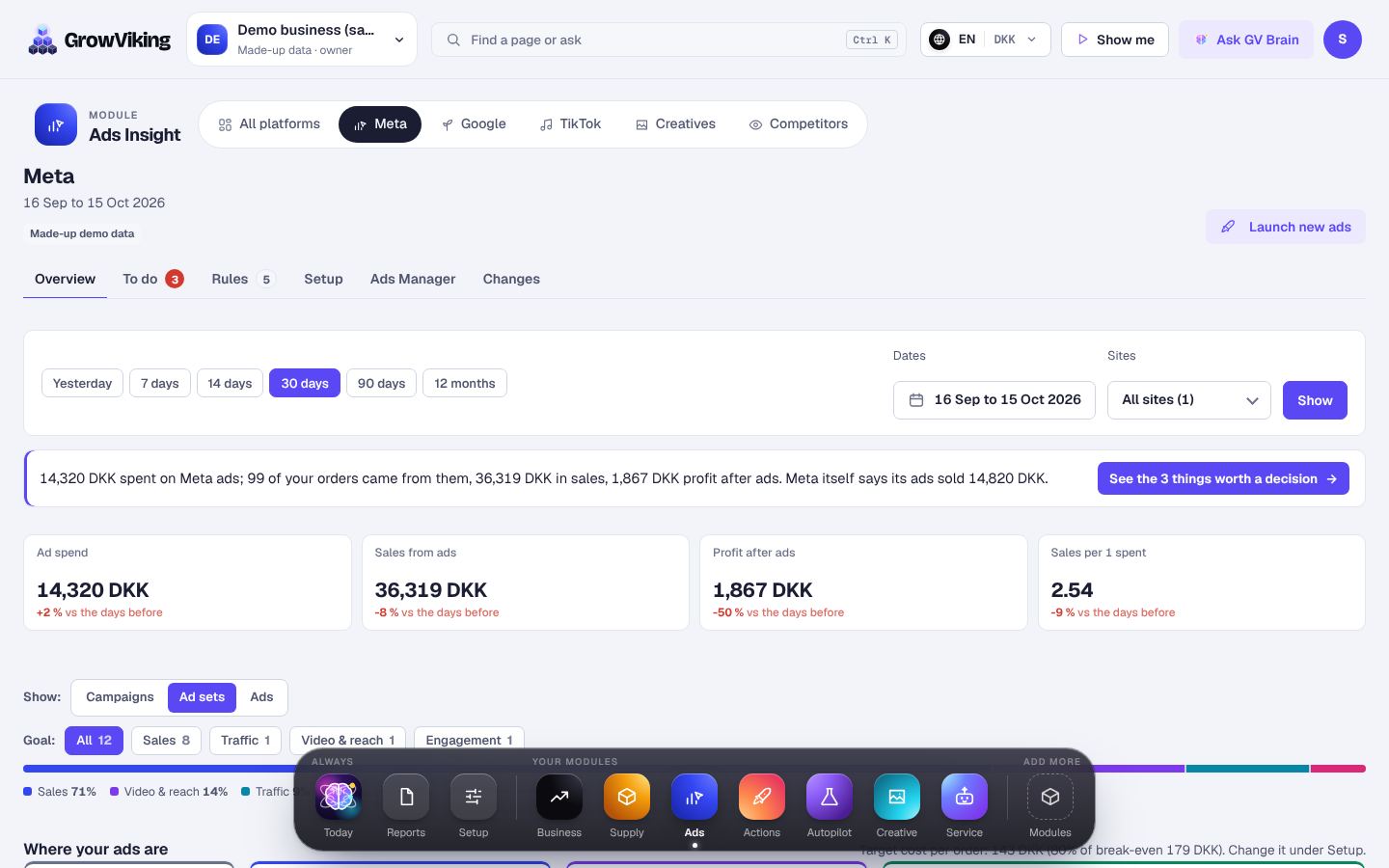
Ads → Meta puts every campaign, ad set and ad in one of four steps: Prepare, Launch, Monitor and Action. Each one is judged on its own goal, so a video campaign is judged on views, not on orders.
How to do it
- 1
Open Ads Insight and choose Meta.
- 2
Each platform has four tabs: Overview for the answer and the charts, To do for what is worth a decision, Rules for your rule sets, and Setup for every setting.
- 3
Pick Campaigns, Ad sets or Ads, and a goal chip if you want only one goal.
- 4
Tap a step or one of its chips. The list opens under the strip with why each one is there.
- 5
In Action, each row has one button. GrowViking makes that step within your safety limits, and you can undo it under Changes.
- 6
After every change it goes back to Monitor and waits 3 days, so Meta can settle.
- 7
The small bars on each row are the cost per result each day for 14 days: green at or under your target, red over it or spent with no result, the dashed line your target. The Outcome line under them says what it spent and got.
- 8
A launch you made shows in Prepare until it is live; one blocked by your limits shows in Needs a fix.
- 9
Where your money sits shows today's money a day in three groups: doing well, still learning and worth a look, with the days before under it.
- 10
Above or below your target has its own switch: Campaigns, Ad sets or Ads. With Ads, each bubble is the ad's picture, so you see at a glance which creatives cost too much.
Early spark: the first order in the first 3 days, at or under your target, marks it green. From day 3, with 2 orders like that, a +10% raise is worth testing once.